
Walford Nursery & Primary School
Connected Computing
When children leave Walford Primary School, we aim for them to be Digital Creators (Computer Science), Communicators (ICT/Digital Literacy) and Citizens (Digital Citizenship). They will see Computing as an integral aspect of all areas of their learning. They will have a broad set of skills to support and enhance their learning, therefore providing them with life skills in preparation for an ever-growing digital world.
The Computing Programme of Study has been developed to meet the requirements of the New Curriculum. It combines a number of skills from the old curriculum and introduces a larger focus on programming, simulations and modelling.
INTENT
During their Computing sessions at Walford Nursery & Primary School, pupils will:
- demonstrate competence in coding for a variety of practical and inventive purposes, including the application of ideas within other subjects (Computer Science);
- exhibit the ability to connect with others safely and respectfully, understanding the need to act within the law and with moral and ethical integrity (Digital Citizenship);
- show an understanding of the connected nature of devices (Digital Citizenship);
- display the ability to communicate ideas clearly by using applications and devices throughout the curriculum (ICT Skills);
- demonstrate the ability to collect, organise and manipulate data effectively (ICT Skills/Digital Literacy).
By the end of Key Stage 1 children will be able to:
- Recognise common uses of information technology beyond school
- Use technology purposefully to create, organise, store, manipulate, and retrieve digital content
- Use technology safely and respectfully, keeping personal information private
- Understand what algorithms are; how they are implemented as programs on digital devices; and that programs execute by following precise and unambiguous instructions
- Create and debug simple programs
- Use logical reasoning to predict the behaviour of simple programs
By the end of Key Stage 2 children will be able to:
- Design, write and debug programs that accomplish specific goals, including controlling or simulating physical systems; solve problems by decomposing them into smaller parts
- Use sequence, selection, and repetition in programs; work with variables and various forms of input and output
- Use logical reasoning to explain how some simple algorithms work and to detect and correct errors in algorithms and programs
- Understand computer networks including the internet; how they can provide multiple services, such as the world wide web; and the opportunities they offer for communication and collaboration
- Use search technologies effectively, appreciate how results are selected and ranked, and be discerning in evaluating digital content
- Select, use and combine a variety of software (including internet services) on a range of digital devices to design and create a range of programs, systems and content that accomplish given goals, including collecting, analysing, evaluating and presenting data and information
- Use technology safely, respectfully and responsibly; recognise acceptable/unacceptable behaviour; identify a range of ways to report concerns about content and contact.
- Use technology purposefully to create, organise, store, manipulate and retrieve digital content.
IMPLEMENTATION
What does our Computing Curriculum look like?
Please refer to:
- our Long Term Plan, which demonstrates the progression of knowledge and skills within the whole school computing offer;
- our Medium Term Plan for each year group, which maps teaching and learning, knowledge and skills through a topic;
- our Curriculum Map, which details each year group / subject;
- our Knowledge Organisers, which summarise the key knowledge and skills to be acquired and retained during a computing topic/unit.
Teachers will:
- plan exciting progressive lessons which build on prior knowledge based on teaching a mixture of computing skills and concepts;
- create a learning environment that supports learning and that engages children’s interest in the topic being studied, e.g. role play areas, interactive displays;
- conduct regular book scrutiny, pupil perceptions and planning audits;
- undertake regular whole school professional development.
Children will be supported by:
- differentiated work, where appropriate, to ensure all children are able to meet the learning objective;
- small group or 1:1 adult support, when required;
- the use of effective questioning;
-
the use of teacher and self-assessment to quickly identify any child who requires additional support in specific areas (if required, pupils will receive additional support or resources to use);
-
the use of Knowledge Organisers to support learning;
-
the use of key vocabulary within lessons;
-
the use of retrieval activities, e.g. Flash Back 4 and Knowledge Nuggets.
Children will be challenged by:
- differentiated lessons;
- the use of effective questioning;
- additional activities to stretch their learning within lessons.
All children can access the curriculum by:
- pre-taught vocabulary sessions, when appropriate (SEND or EAL);
- seating children alongside good role models who can provide additional support;
- providing visual / practical prompts;
- teaching lessons using a range of different techniques to appeal to different learning styles, e.g. videos, drama, artefacts, texts etc.
IMPACT
Our Computing curriculum facilitates sequential learning and long-term progression of knowledge and skills. Teaching and learning methods provide regular opportunities to recap acquired knowledge through high quality questioning, discussion, modelling and explaining to aid retrieval at the beginning and end of a lesson or unit of work. This will enable all children to alter their long-term memory and know more, remember more and be able to do more as computer scientists.
In Computing, you might typically see:
-
engaged learners;
-
children problem solving and tinkering with programmes to reach a desired outcome;
-
children explaining computing concepts and demonstrating key computing skills to achieve a goal;
-
themed days which give children opportunities to celebrate their knowledge and share this with the community e.g National Internet Safety Day, NSPCC Speak out, stay safe, Walford Oscar Night;
-
children sharing their learning with others through contributing to a display.
We know how well our pupils are doing through:
-
planned lessons based on computing skills which are specific for each year group;
-
marking and feedback by teacher and peers;
-
photographic and video evidence;
-
EYFS floor books/Seesaw;
-
displays of work in classrooms;
-
assessments which are tracked at the end of each term;
-
book scrutiny, pupil perceptions and Subject Leader planning audits.
The impact of our teaching is seen through:
-
children who enjoy computing;
-
inquisitive learners;
-
reflective learners;
-
children who are able to demonstrate a variety of computing skills;
-
children who are prepared to share what they’ve learnt in a variety of ways;
-
children who are able to gain an insight into the digital world and the implications of this on their lives (e-safety - Education for a Connected World)
Computing Quality Mark
National Curriculum and DfE Documents
Computing Learning Journey
Progression in Computing
Computing Vocabulary Progression
Fluency in Computing
Cultural Capital in Computing
SMSC Opportunities in Computing
Computing
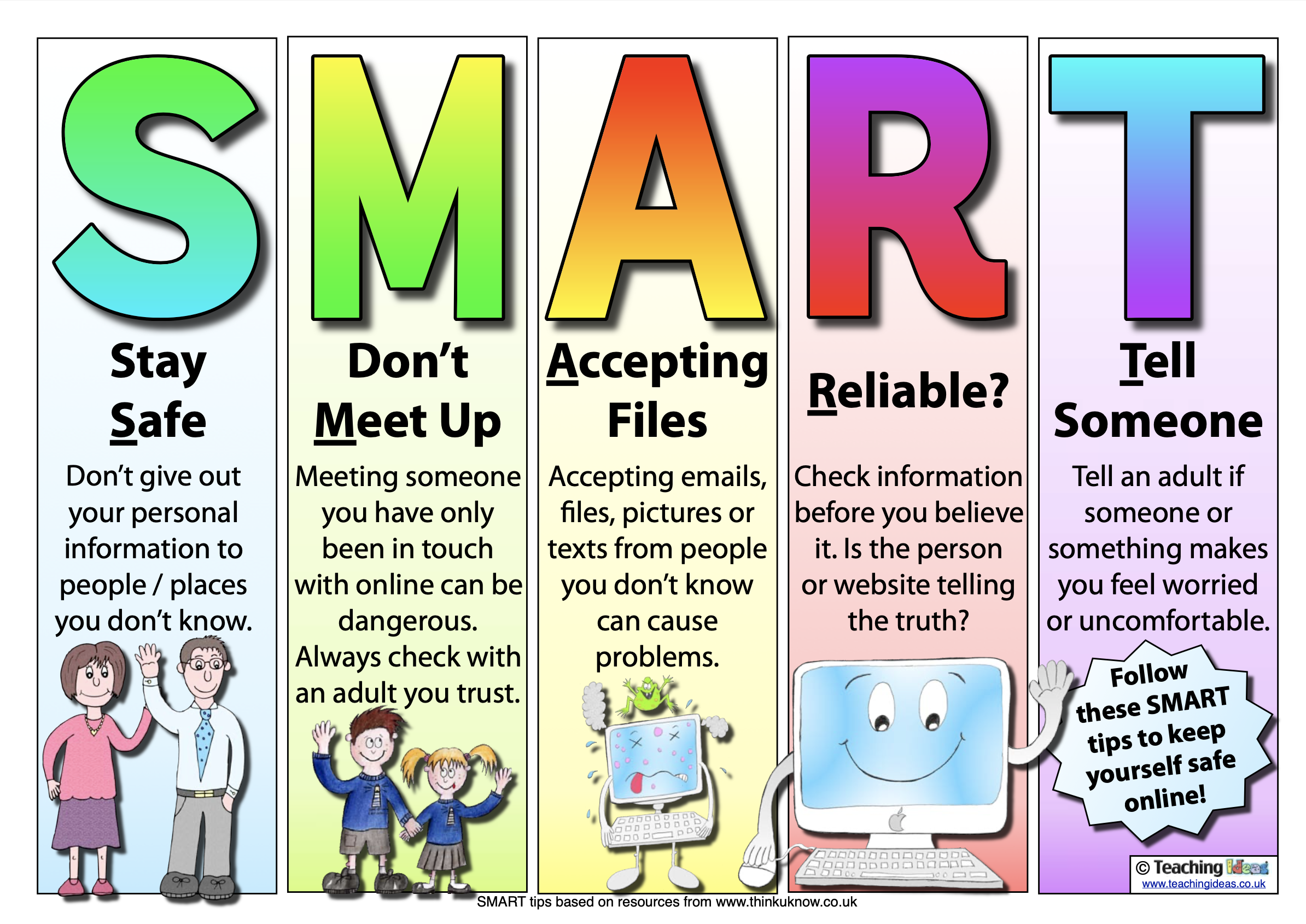
Online Safety Information for Parents
The NSPCC has put together a guide for social media, apps and games that young people use.
https://www.net-aware.org.uk
Information for parents from CEOP.
https://www.thinkuknow.co.uk/parents/Listing/?cat=66,67,68,69,70,72&ref=4765#mMain
UK Safer Internet Centre
https://www.saferinternet.org.uk
A parents guide to gaming.
CEOP Online Learning Parent Information
https://parentinfo.org/article/coronavirus-stay-at-home-and-look-after-your-online-health
Internet Matters
https://www.internetmatters.org
SWGFL Parent Guide - Online Safety
CEOP Keeping Children Safe Online: Guidance for Parents
Computing in Action at Walford Nursery and Primary School
Safer Internet Day 2023


Festival of Learning


Connected Computing - Significant People


Class 2 Photography


Connected Computing in Class 4- Using Text Based Language


Connected Computing in Class 4- Identifying False Images


Connected Computing in Class 4- Safer Internet Day


Connected Computing in Class 4- Changing the Composition of an Image


Connected Computing in Class 4- Cropping Images


Year 1 Connected Computing - Programming a Blu-Bot


Connected Computing in Reception Class


Year 1 Digital Painting


Connected Computing in Class 6- Using Spreadsheets


Connected Computing in Class 6- Coding Workshop with Barclays


Connected Computing - Coding Y1


Connected Computing - Digital Art Year 1


Digital Art - cross-curricular plants topic


Coding Week Homework Year 1


Connected Computing- Class 4 Home Learning Stop-Motion Animation
Video calls - keeping connected!


Connected Computing Class 3 - Decomposing and Creating Sequences
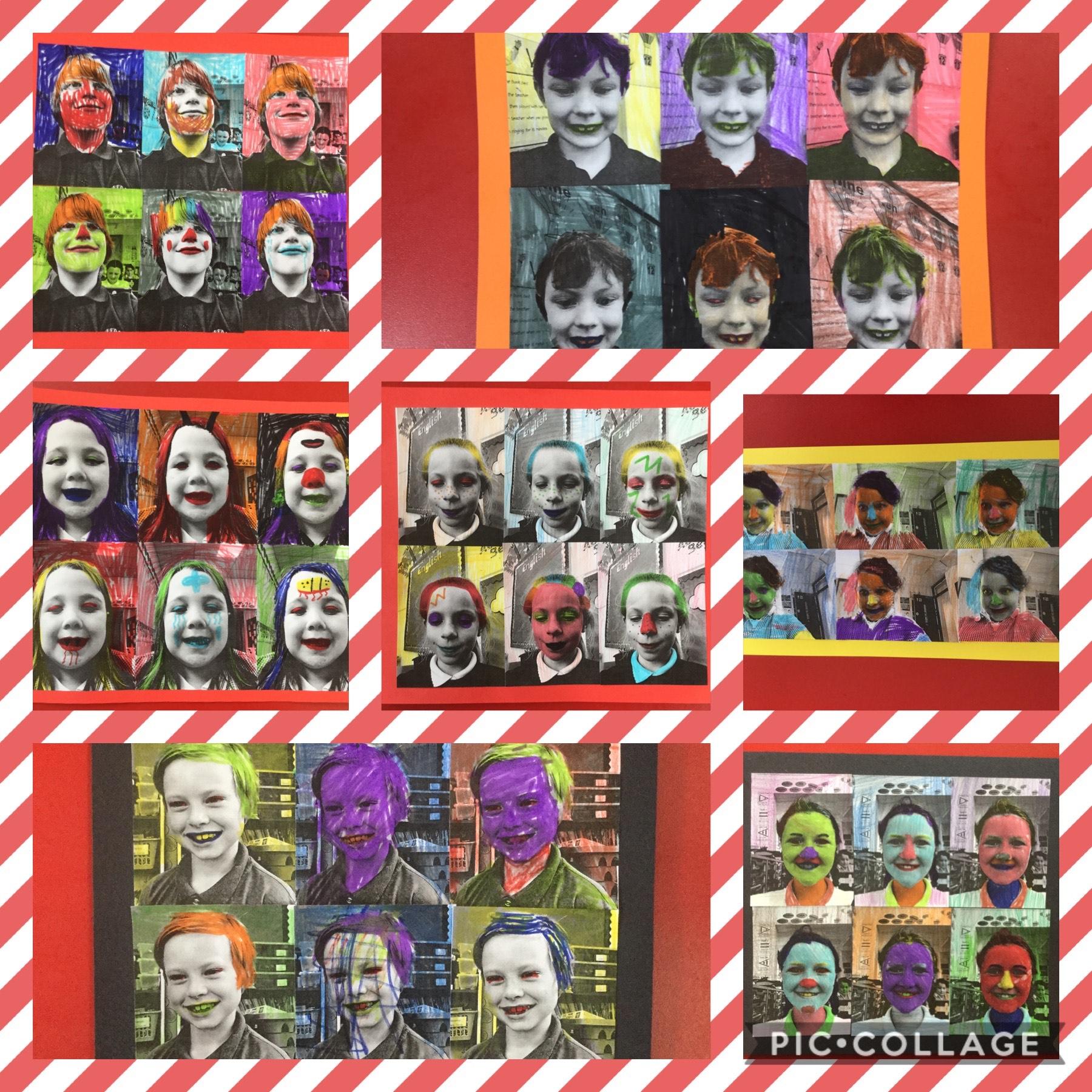
Connected Computing Class 5 Home Learning


Connected Computing Class 5 Creating Passwords


Connected Computing in Coding Club- Programming Bluebots


Connected Computing in Coding Club- Coding on A.L.E.X


Connected Computing in Class 4- Using Numbers to Present Data


Connected Computing in Class 4- Using Data-loggers to Collect Data


Connected Computing in Class 4- Creating Comic Strips using Book Creator


Connected Computing Home Learning in Class 6 - Staying Safe Online At Home
Connected Computing in Class 6 - Internet Safety Day 2020


Connected Computing - Safer Internet Competition


Connected Computing in Class 6 - Sharing our coding with our buddies


Connected Computing in Class 4- using Green Screen


Connected Computing in Class 3 - Creating a book review with HP Reveal


Connected Computing in Class 3 - Scratch Coding


Connected Computing in Class 1


Connected Computing in Class 3: Programming Music in Scratch


Resources